mirror of
https://github.com/zadam/trilium.git
synced 2026-01-26 08:24:25 +01:00

1.3 KiB
Vendored
1.3 KiB
Vendored
SQL Console
The SQL Console is Trilium's built-in database editor.
It can be accessed by going to the Global menu → Advanced → Open SQL Console.
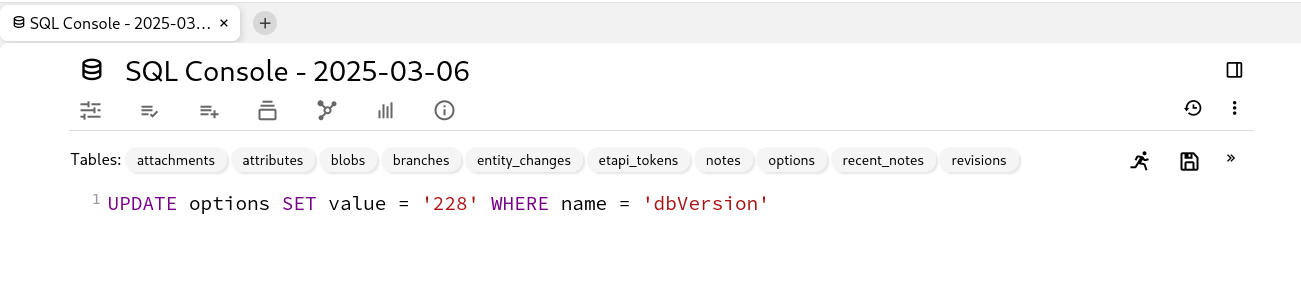
Interaction
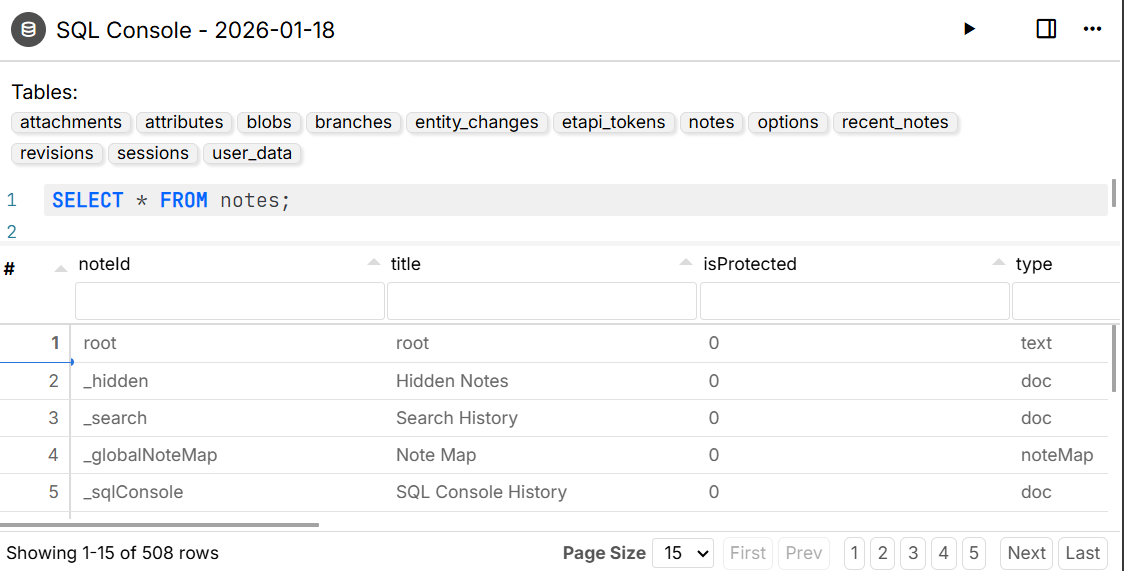
- Hovering the mouse over one of the tables listed at the top of the document will show the columns and their data type.
- Only one SQL statement can be run at once.
- To run the statement, press the Execute icon.
- For queries that return a result, the data will displayed in a table.
Saved SQL console
SQL queries or commands can be saved into a dedicated note.
To do so, simply write the query and press the  button. Once saved, the note will appear in Day Notes.
- The SQL expression will not be displayed by default, but it can still be viewed by going to the note context menu and selecting Note source.
- The expression cannot be modified. If needed, recreate it by copying the statement back into the SQL console and then saving it again.