# Note List
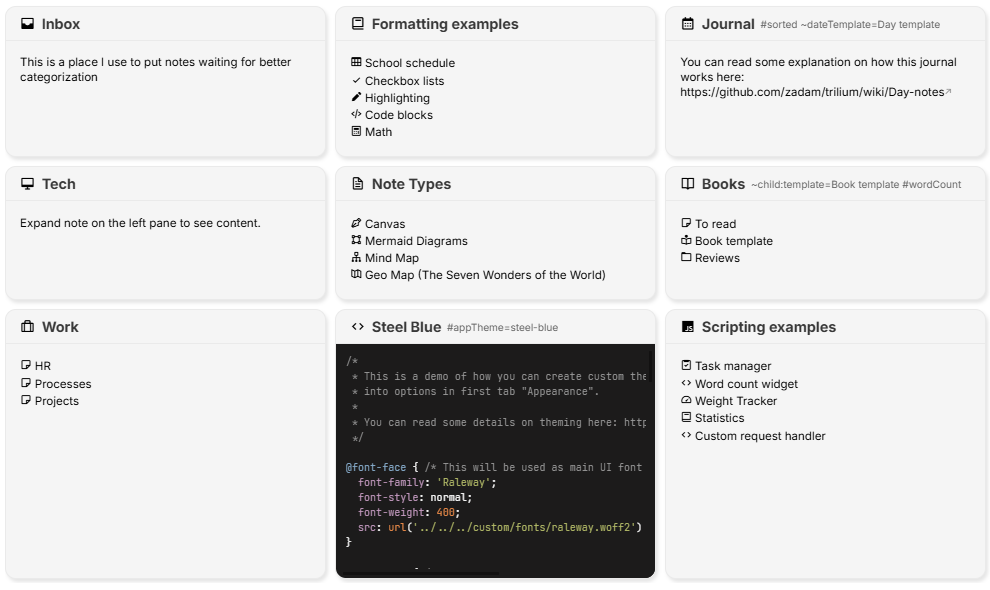
When a note has one or more child notes, they will be listed at the end of the note for easy navigation.
## Configuration
* To hide the note list for a particular note, simply apply the `hideChildrenOverview` [label](../../Advanced%20Usage/Attributes.md).
* For some view types, such as Grid view, only a subset of notes will be displayed and pagination can be used to navigate through all of them for performance reasons. To adjust the number of notes per page, set `pageSize` to the desired number.
## View types
The view types dictate how the child notes are represented. By default, the notes will be displayed in a grid, however there are also some other view types available.
Generally the view type can only be changed in a Collections note from the Ribbon, but it can also be changed manually on any type of note using the `#viewType` attribute.