 Trilium Notes
Trilium Notes
Trilium Notes
Trilium is an open-source solution for note-taking and organizing a personal knowledge base. Use it locally on your desktop, or sync it with your self-hosted server to keep your notes everywhere you go.
Download now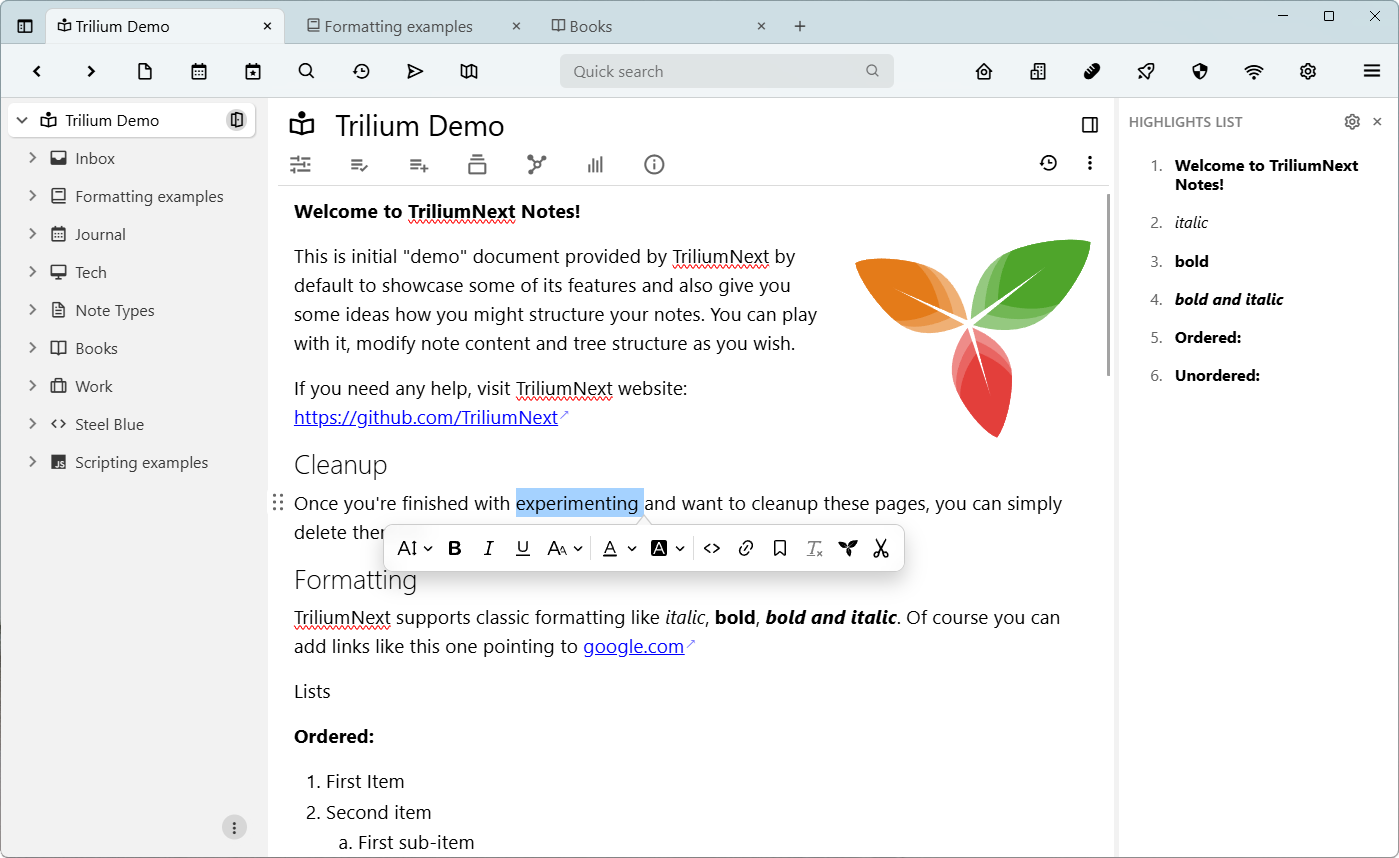

Text notes
The notes
are edited using a visual (WYSIWYG) editor, with support for tables, images, math expressions,
code blocks with syntax highlighting. Quickly format the text using Markdown-like syntax or
using slash commands.

Code notes
Large
samples of source code or scripts use a dedicated editor, with syntax highlighting for many
programming languages and with various color themes
File notes
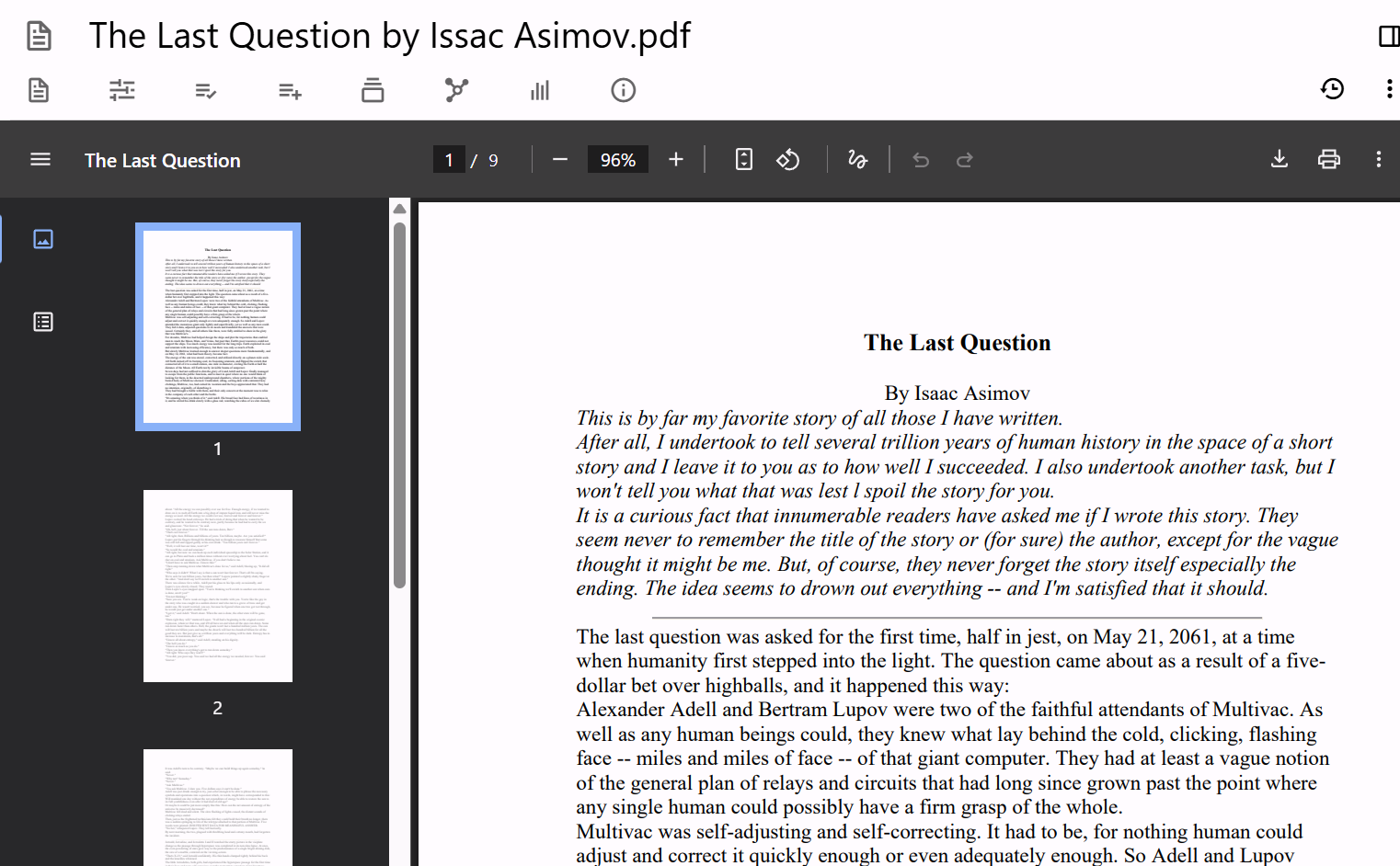
Embed
multimedia files such as PDFs, images, videos with an in-application preview.

Canvas
Arrange
shapes, images and text across an infinite canvas, using the same technology behind excalidraw.com . Ideal for diagrams, sketches and visual
planning.
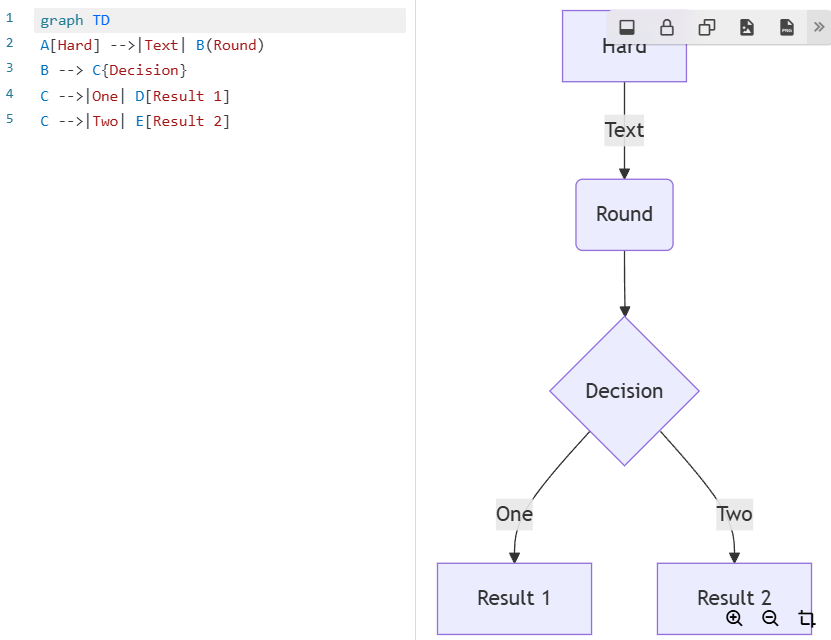
Mermaid diagrams
Create diagrams such as flowcharts, class & sequence diagrams, Gantt charts and
many more, using the Mermaid syntax.

Mind maps
Organize your thoughts visually or do a brainstorming session by using mind map diagrams.
and others: note map, relation map, saved searches, render note, web views.
Calendar
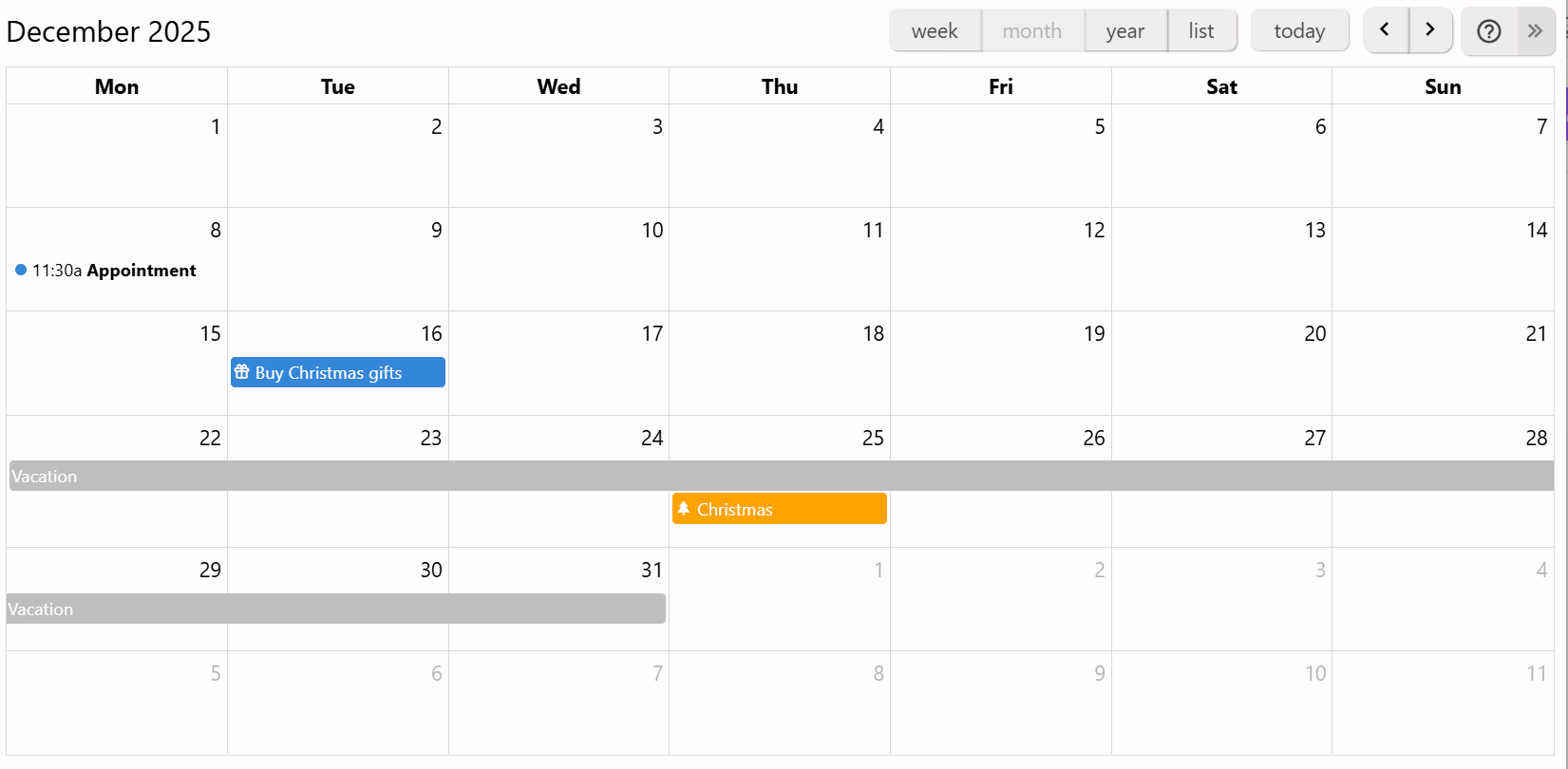
Organize your personal or professional events using a calendar, with support for
all-day and multi-day events. See your events at a glance with the week, month and year views.
Easy interaction to add or drag events.
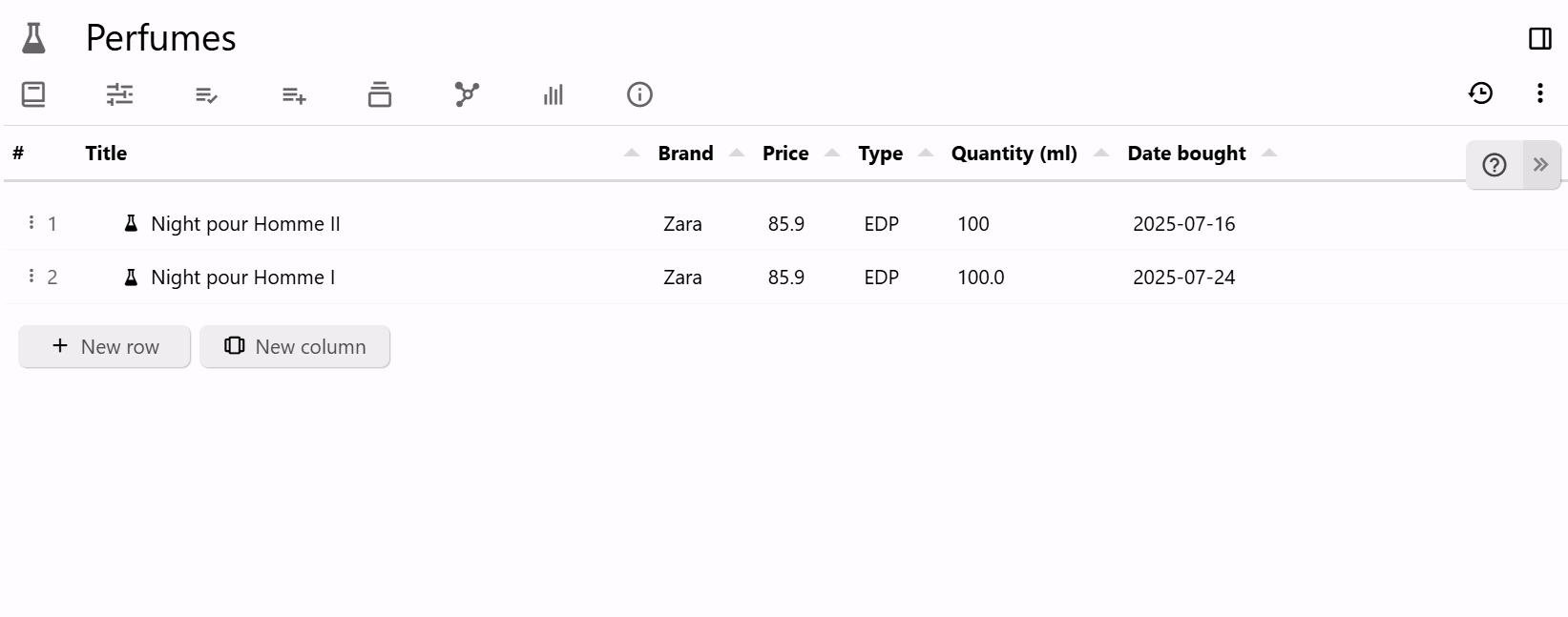
Table
Display and edit information about notes in a tabular structure, with various column types such as text, number, check boxes, date & time, links and colors and support for relations. Optionally, display the notes within a tree hierarchy inside the table.
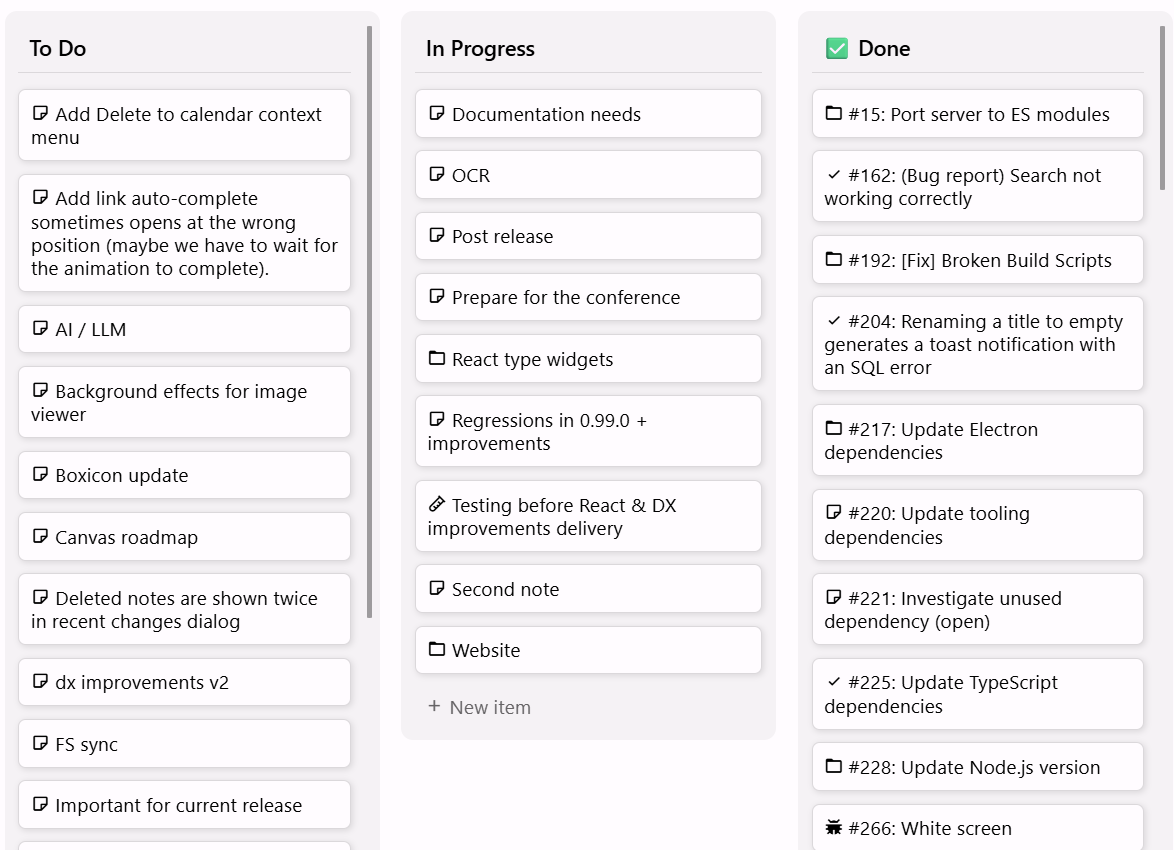
Board
Organize your tasks or project status into a Kanban board with an easy way to create new items and columns and simply changing their status by dragging across the board.
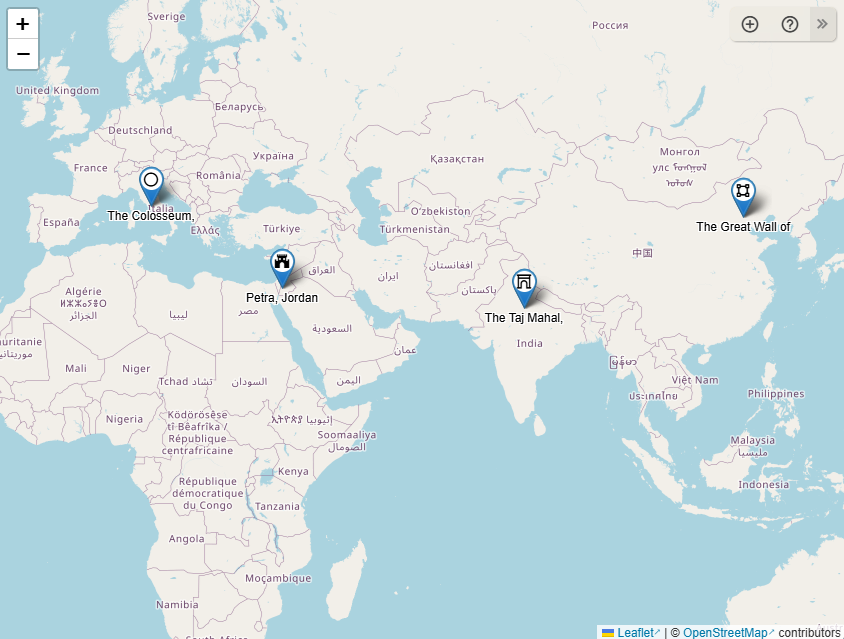
Geomap
Plan your vacations or mark your points of interest directly on a geographical map
using customizable markers. Display recorded GPX tracks to track itineraries.
All your notes will be stored in an SQLite database in an application folder. The reasoning why Trilium uses a database instead of plain text files is both performance and some features would be much more difficult to implement such as clones (same note in multiple places in the tree). To find the application folder, simply go to the About window.
No, the server allows access via a web browser and manages the synchronization if you have multiple devices. To get started, it's enough to download the desktop application and start using it.
No, it's generally not a good idea to share a SQLite database over a network drive. Although sometimes it might work, there are chances that the database will get corrupted due to imperfect file locks over a network.
By default, notes are not encrypted and can be read directly from the database. Once a note is marked as encrypted, the note is encrypted using AES-128-CBC.
Currently there is no official mobile application. However, if you have a server instance you can access it using a web browser and even install it as a PWA. For Android, there is an unofficial application called TriliumDroid that even works offline (same as a desktop client).
Depending on usage, the application should be able to handle at least 100.000 notes without an issue. Do note that the sync process can sometimes fail if uploading many large files (> 1 GB per file) since Trilium is meant more as a knowledge base application rather than a file store (like NextCloud, for example).